
Your best tier 1 tech answered 60 calls yesterday and barely said a word at lunch. That quiet is often the first sign of help desk burnout, and by the time it shows up in ticket quality, you may already be writing a job posting.
Phone work drains people in a very specific way. Every call brings a new frustrated user, a fresh problem, and a clock ticking on your SLA. Techs rarely get a moment to reset between conversations, so the stress stacks up quietly across the week.
Chill days give your team a scheduled break from the queue without taking anyone off the clock. You rotate each tech onto project work, documentation, or training for a day, then bring them back to the phones refreshed. Below, you’ll see how to build the rotation, what to fill those days with, and how to keep coverage steady while you do it.
Why Phone Queues Wear Techs Down Faster Than Other IT Work

Every call on the help desk comes with a person on the other end, and that person is usually stressed, annoyed, or in a hurry. Your techs absorb all of that while staying polite and patient. Do that sixty times a day, and you get a slow, steady drain that no amount of coffee can fix.
Most of the time, the next call starts ringing before the tech finishes typing notes from the last one. There’s no buffer to shake off a rude caller or celebrate a quick fix. That constant churn is a big reason why burnout shows up so often in teams that live on the phones.
On top of that, SLA timers keep ticking in the corner of the screen all day long. Techs know every minute spent on one ticket pushes another one closer to a breach. Well-staffed MSPs spread that pressure across a deeper bench, so no single tech carries the queue alone. Support Adventure builds help desk teams on that principle, and you can visit the site to see what a fuller roster looks like for a real MSP.
Then there’s the repetition. Password resets, printer jams, and Outlook hiccups make up a huge chunk of tier 1 calls, and they rarely change from week to week. Smart, curious techs get bored fast when they solve the same handful of problems on a loop, and boredom paired with pressure is a classic recipe for MSP technician burnout.
Early Warning Signs a Tech Needs Time Off the Phones
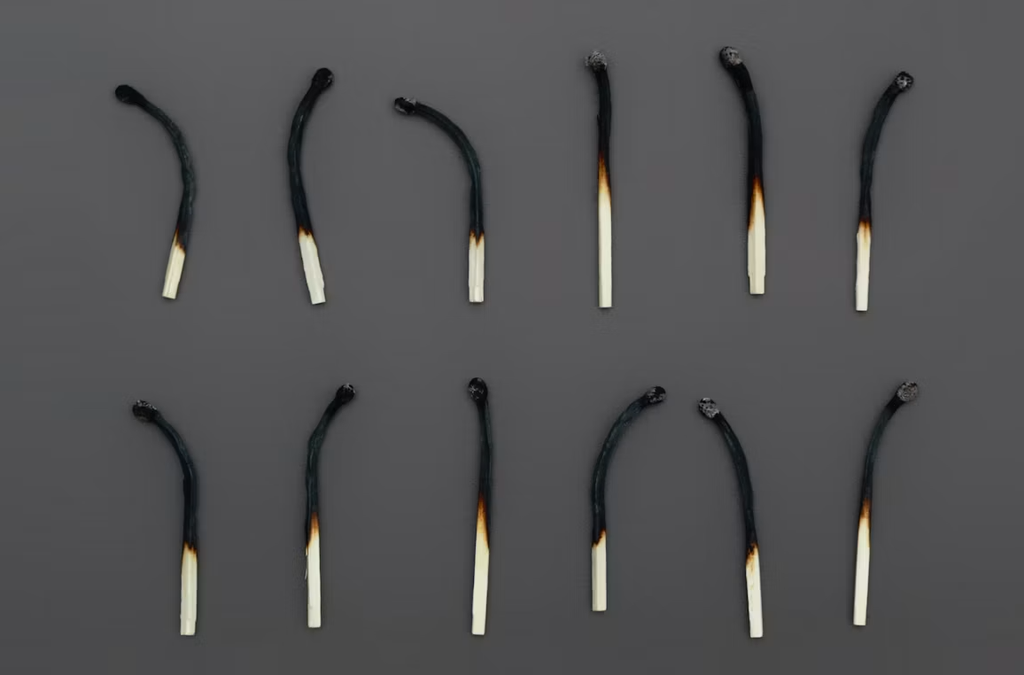
Pay attention to how your techs sound on calls. A tech who used to chat with users and walk them through fixes might start rushing people off the line with short, flat answers. Growing cynicism about the job ranks among the classic signs of burnout, and curt calls often reflect exactly that.
Your ticketing system can tell you a lot, too. When a tech starts closing tickets that come right back a day later, it usually means they’re cutting corners to get through the queue. A sudden spike in reopens from someone with a solid track record is worth a quiet one-on-one conversation.
Burnout also shows up on the social side of work. The tech who used to drop memes in Slack and jump into troubleshooting threads suddenly goes quiet. If you want to prevent IT staff burnout before it turns into a resignation letter, treat that silence as a signal and check in early.
Unplanned sick days round out the picture. One Monday off means nothing, but a pattern of last-minute absences often points to someone who can’t face another shift in the queue. When your roster runs too thin to give people a break, outsourced technicians can cover the gaps. Support Adventure offers MSP staffing for this situation, and you can visit the service page to see how a placement works from first call to the tech’s first shift.
What an Off-Queue Rotation Day Actually Looks Like

A chill day still counts as a regular workday. Your tech clocks in at the usual time, gets paid the same rate, and stays reachable for the team. The difference lies in what fills those eight hours, so nobody should treat it as a disguised day off or a favor they need to earn.
The one hard rule is simple: no inbound calls. Take the tech out of the phone group in your call routing system so nothing rings through by accident. It sounds obvious, but plenty of managers let chill days slide back into queue work the moment volume picks up, and that defeats the whole purpose of the rotation.
Instead of racing SLA timers, the tech works on tasks with no caller waiting on the other end. Think documentation, lab work, or a project they’ve been meaning to finish for months. This slower pace gives the brain room to recover, which is central to managing burnout in MSP roles, where constant availability is the norm.
Make sure every tech knows when they’ll head back to the queue. A clear return date keeps the day from feeling like a demotion or a punishment. Put it on your help desk rotation schedule where everyone can see it, so the whole team knows who’s off the phones and when coverage returns to normal.
Building a Fair Rotation Schedule for Your Team

Start by deciding how often each tech gets a chill day. For many small help desks, one day every two weeks per person works well without wrecking coverage. Larger teams can go weekly. Pick a rhythm your staffing can support for the long haul, because a rotation that disappears after a month does more harm than good.
Use your call data to decide who rotates out first. Pull reports from your phone system and see which techs handle the heaviest load or the toughest callers. Those people carry the highest risk of tech worker burnout, so give them priority when you build the first few weeks of the new rotation plan.
Timing matters just as much as frequency. Mondays and the first day back after a holiday usually bring the biggest call spikes, so keep chill days away from them. Mid-week slots like Wednesday or Thursday often run quieter, which lets you pull a tech off the phones without leaving the rest of the team underwater.
Finally, publish the help desk rotation schedule at least a month ahead. Techs love having something to look forward to, and a visible date on the calendar gives them that. Predictability builds trust, and trust does wonders for service desk technician retention because people rarely leave a team that keeps its promises.
Productive Work to Fill the Off-Phone Day
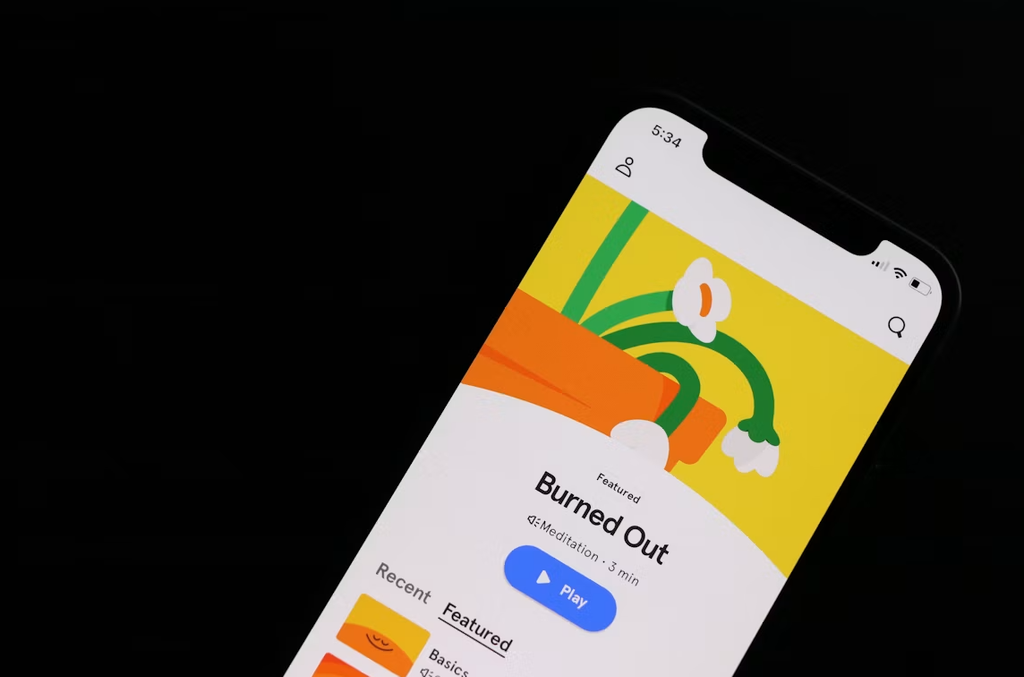
Source: Unsplash
Your knowledge base probably has a few articles that haven’t been touched since 2021. Chill days are the perfect time to fix that. Techs who spend all week on the phones know exactly which guides are outdated or missing, so let them rewrite the ones that caused the most confusion on recent calls.
Certification prep fits nicely into an off-phone day, too. Plenty of techs want to earn their CompTIA, Microsoft, or Cisco certs but never find the energy after a full shift of calls. Giving them paid study hours shows you care about their growth, and it also sharpens the skills they bring back to the queue.
Every help desk has a pile of low-priority tickets nobody gets around to. On a chill day, a tech can chip away at that backlog or handle small projects like laptop rollouts and asset audits. Variety like this keeps the job interesting, and a lack of it ranks among the top reasons people end up hating help desk work.
Shadowing a tier 2 or tier 3 tech works well for anyone eyeing a promotion. Your tier 1 staff get to watch how senior engineers tackle server issues, network problems, and escalations. Seeing a clear path upward gives people a reason to stay, and that sense of progress goes a long way towards preventing MSP technician burnout.
Keeping Coverage Steady While Someone Is Off the Queue
Pulling one tech off the phones only works if your callers never notice. Before you schedule the first chill day, look at call volume by hour for the past month and find the dips. Most help desks see a lull after the morning rush and another one in the middle of the afternoon, and those windows tell you how much slack you have to work with.
Never rotate more than one person out on the same day. On a team of five, losing one tech cuts your phone capacity by 20 percent, which most queues can absorb. Losing two cuts it by 40, and that’s when hold times climb and SLA breaches start piling up. Stagger the schedule so every chill day has a full bench behind it.
Give the tech on their chill day a clear emergency rule. If hold times pass a set limit, say ten minutes, or a major outage hits, they jump back into the phone group until things settle down. Keep that bar high, though. A day that gets canceled every time two calls land at once stops being a break and turns into a tease.
If coverage still looks too thin to spare anyone, no amount of clever scheduling will fix it. You need more people. Adding a single remote technician to the roster often creates enough room for the whole team to breathe, and outsourced help desk staff can fill that gap without a long local hiring cycle.
How to Tell Whether Chill Days Are Working
Honest measurement starts with a baseline. Before the first chill day goes on the calendar, pull three months of numbers from your ticketing system and phone platform. Reopen rates, average handle time, first-call resolution, and unplanned sick days per tech show you where the team stands today, and you can’t judge improvement without that starting point.
Then watch the same numbers through the first quarter of the rotation. The warning signs from earlier in this article double as your scorecard. If reopens drop, sick days level off, and the Slack channel gets lively again, the rotation is doing its job. If nothing moves, the problem may sit somewhere other than the phones, like a toxic client or a broken escalation path.
Ask the techs directly, too. A two-question survey every month, covering how drained they feel and whether they’d recommend the job to a friend, costs nothing and often catches trouble the dashboards miss. Keep it anonymous so people answer truthfully.
Be willing to hear bad news. If the data says chill days aren’t helping, adjust the frequency or the timing before you scrap the idea. A rotation that gets quietly dropped after six weeks tells your team their well-being was never a real priority, and that message sticks around long after the schedule change.
Wrap Up
Phone work will always take a toll, but you get to decide how much. Chill days give your techs a regular, predictable break from the queue while keeping them productive, paid, and connected to the team. Pair a fair rotation with solid coverage, and help desk burnout stops being an unavoidable cost of doing business.
If your team runs too thin to spare anyone for a day, start there. Support Adventure places vetted remote technicians with MSPs, giving you a roster deep enough to rotate people out. Start a conversation with their team and see what a fuller bench could do for your help desk and your clients.




0 Comments